


Super Health
Evidence-based training and nutrition, made for people who mean to keep at it.
- Areas
- Media · Software
- Who worked on it
- Awab
- When
- March to June
- Where
- Baghdad, Iraq
One app where there used to be four
Super Health is a fitness and nutrition app for people who train. The usual kit is a workout logger, a calorie counter, a spreadsheet of body measurements and a separate program app. Super Health puts all of it in one place, to plan the training, log it and make sense of it.
In it, a user can generate a full training program from a library of 873 exercises, follow it workout by workout, and get step-by-step guidance for every movement. Meals go in by search, barcode or photo, and calories and macros are tracked against targets that adapt to real progress.1 Bodyweight and measurements go in too, and any of it can become a chart on a personal progress board. The phone camera can even measure how fast the bar moves during a lift.
The camera features are what people notice first. They sit inside a complete training and nutrition product.
Super Health runs on Flutter, Google's cross-platform framework, so one codebase serves the whole product on Android and iOS.
Every feature on day one
Most fitness apps hand you every feature on day one and leave you to work out which ones matter. Many people give up on health apps, often because logging everything turns into a chore.2 Super Health starts with a two-minute setup instead, builds one plan around what the person actually wants, and keeps everything else out of the way.
Sign in, then a few questions
Accounts run on Supabase Auth, with email, Google and Apple sign-in. After that, a short onboarding asks about goals, equipment, experience and eating style. The answers fill in everything that comes later, so nobody types the same thing twice.


Atlas writes the program
Atlas builds a complete training block from the setup answers: available equipment, injuries, experience, sessions per week and time per session. It picks a weekly split and chooses exercises from a library of 873 movements. The plan runs for eight weeks, in phases that build, peak and recover, each with a target effort level.3 Nothing goes live until the user has looked over the draft and accepted it, tweaked it or thrown it out. Once the block is running, a progression engine adjusts weights and reps based on what was actually lifted, so the plan gets harder at the right pace.4


Every movement, shown
Every movement in the library comes with start and finish photos and step-by-step instructions. The demo sheet crossfades between the two positions, so the movement plays like a short animation.

The one place it cheers
During a session the app logs sets, runs rest timers and works out which plates to load. The summary at the end calls out personal records and total weight lifted. Training is the one place the app tries to motivate anyone: it celebrates wins and new records. The nutrition side stays neutral on purpose.


Calories, without the guilt
Food can be logged by search, by barcode, or by snapping a photo of the plate. Search and barcodes look up USDA and Open Food Facts data, and photos go to a vision model that identifies what's on the plate and estimates the portion.56 Daily targets can adapt: the app compares what a person eats with how their weight trend moves, works out their real energy needs from that, and adds a little on training days. Nutrition is a sensitive area, so we designed this part to stay calm.7 The food diary has no streaks and no red warnings, and its wording never tries to make anyone feel guilty or judge what they ate.


Progress at a glance
The Body tab turns logged data into charts people can read at a glance. Bodyweight is drawn as a smoothed seven-day trend, so normal day-to-day water swings stop looking like progress or failure.8 Training shows up as a workout calendar, total volume, estimated one-rep max and personal records. A chart builder lets each user pin the measures they care about to their own board, one tap per chart.


Bar Speed Lab: a plate for a ruler
The user films a set from the side and taps the weight plate once, and the app follows that plate through every rep. We built the tracker with OpenCV running on the phone itself, so the video never leaves the device. A standard plate is 45 cm across, and that known size gives the app a real-world scale for turning pixels into meters per second. From the bar path it finds each rep, measures its speed and range of motion, and reports how much speed was lost across the set.9 Speed loss is a well-studied sign of fatigue, so the app can tell a lifter when a strength set has gone far enough. Enter the weight on the bar and it estimates power output too. The feature wears an "experimental" label, and the app says in plain words that these are camera estimates, not lab readings.10


Eight rounds for one logo
We also did the Super Health branding.
Here is every round it went through, from the first ideas to the icon the app uses.
Round 01 Eight tries, no winner
The first round tried eight marks: letterforms built from the S, and marks built around one idea each, such as a pulse, a ring or a single dot.
None of them landed. They were too literal and too generic, and they looked like a brand for a sensor, not for a body, so we started again.

Bar S 
Notched block 
sh ligature 
Display bracket 
Stacked bars 
Pulse 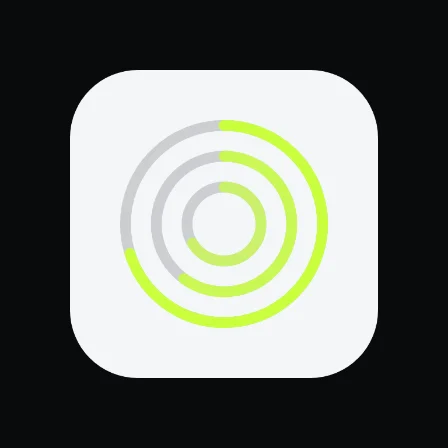
Triple ring 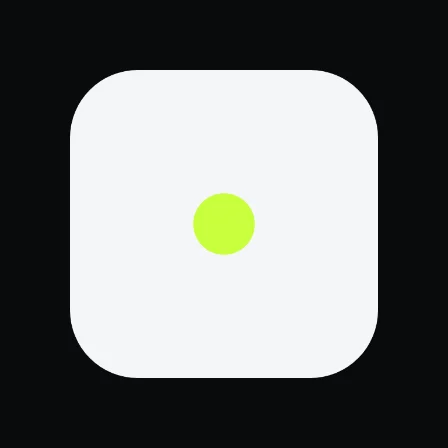
The dot
Round 02 Think field notebook
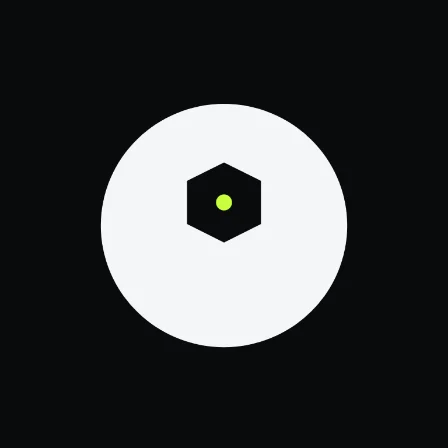
The second round took its feel from a field notebook or a training journal: heavy ink shapes drawn from real objects, allowed to be a little playful, with lime only as an accent.
The tally was the one we kept. Super Health is where people log meals, periods and more, and a tally is how a notebook counts.
The plate 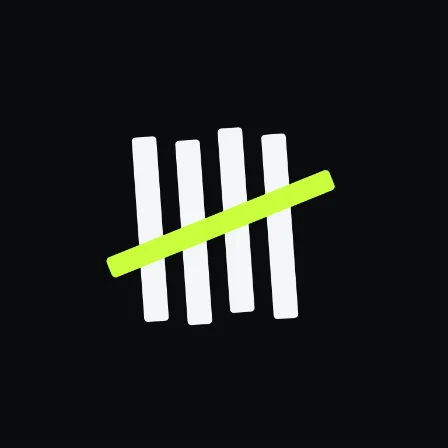
The tallyKept 
The sweep 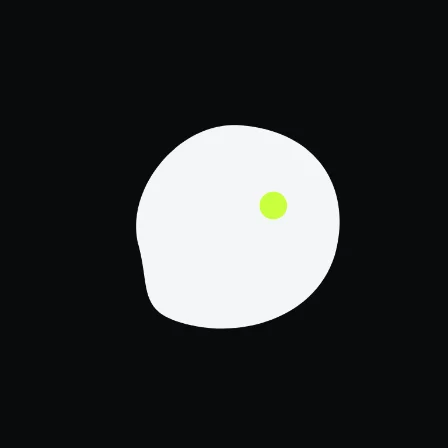
The pebble 
The cairn 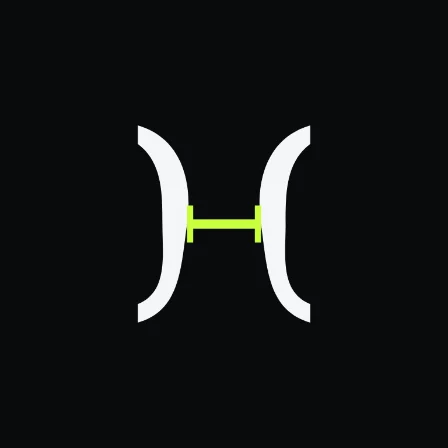
The caliper 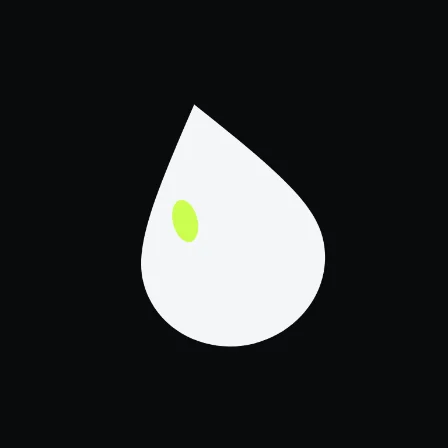
The drop
Round 03 Six ways to draw five lines
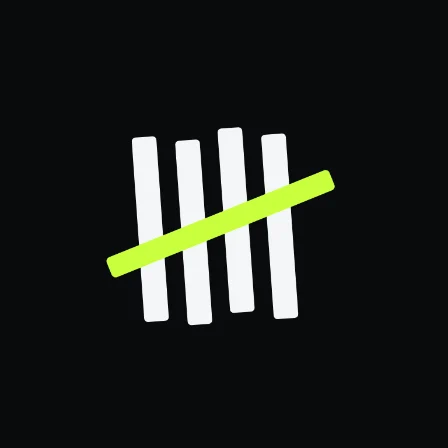
This round drew the same idea six ways: four ink strokes and one lime stroke, each version with its own personality.
We merged two of them: the hand-drawn strokes, and the box around them that makes the mark read like one entry in a daily log.
A side study gave each part of the app its own lime stroke. We liked it but felt people wouldn't get it, so its strokes came back as options for the logo itself.
Baseline 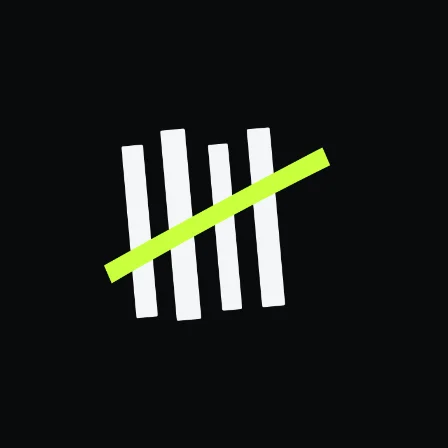
Hand-drawnKept 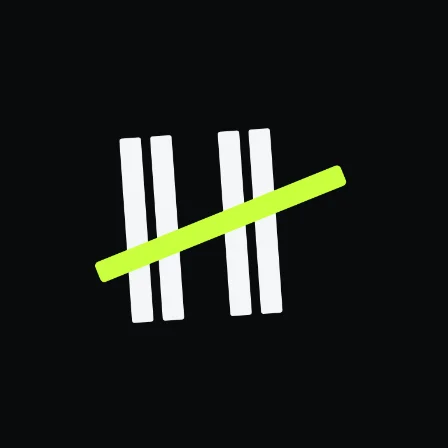
Paired 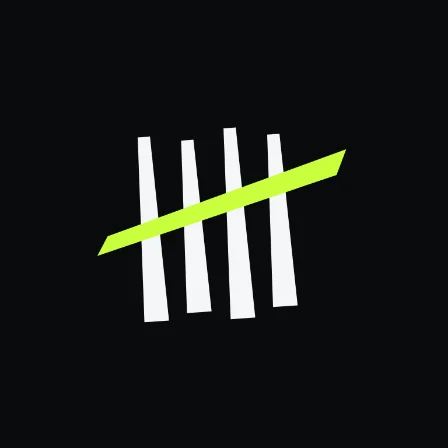
Tapered 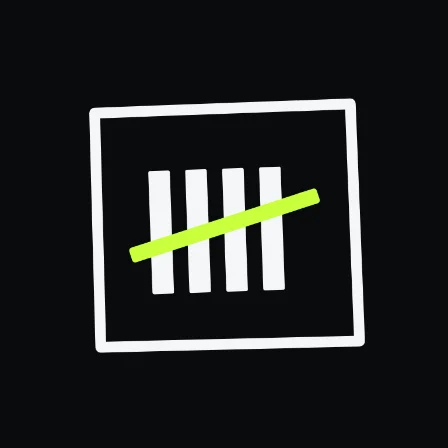
BoxedKept 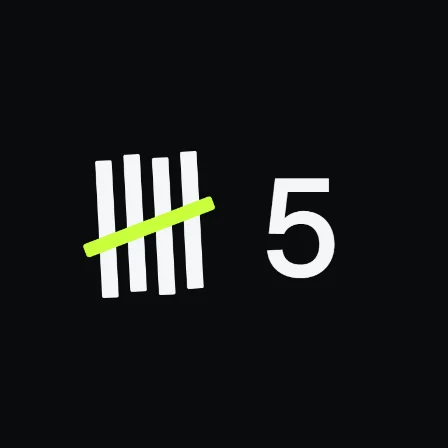
Counted
Round 04 The fifth stroke
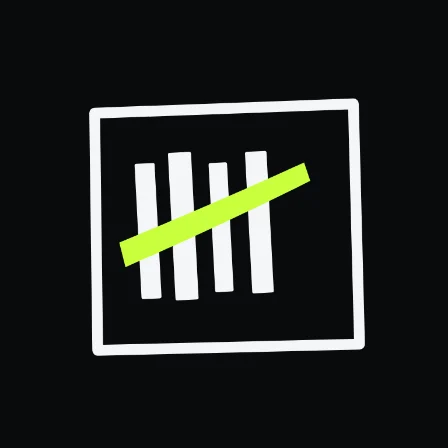
With the box and the hand-drawn strokes settled, only the lime fifth stroke changed: a diagonal, a pulse, an arc, a level line, a wedge and a sweep.
The arc and the level line went forward. The mark also sat a little off center, which bugged us, so the next round fixed the geometry.
Diagonal 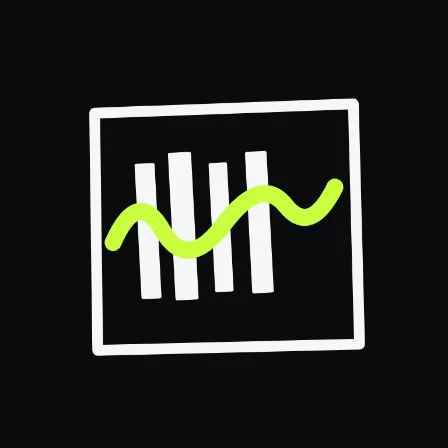
Pulse 
ArcKept 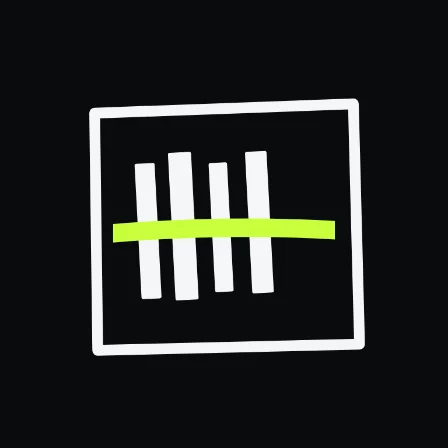
LevelKept 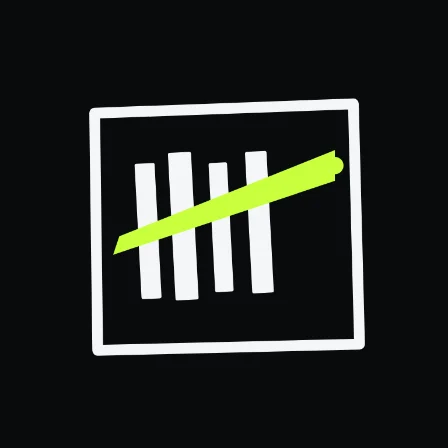
Wedge 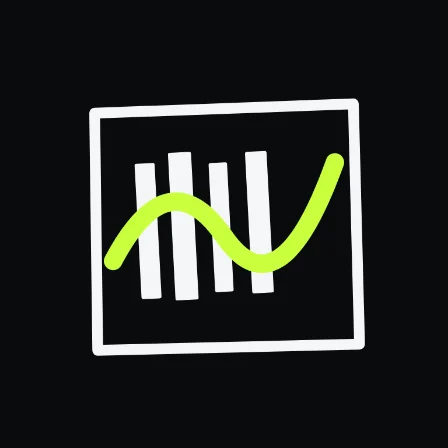
Sweep
Round 05 Three finalists, one center
We re-cut the arc and the level line, with the original diagonal beside them for comparison, so that the four strokes, the lime stroke and the box all share one center.
The strokes kept their uneven widths and the box its slight tilt, because that is the hand-drawn character. Only the off-center placement needed fixing.
Of the three, the diagonal was chosen.

Arc 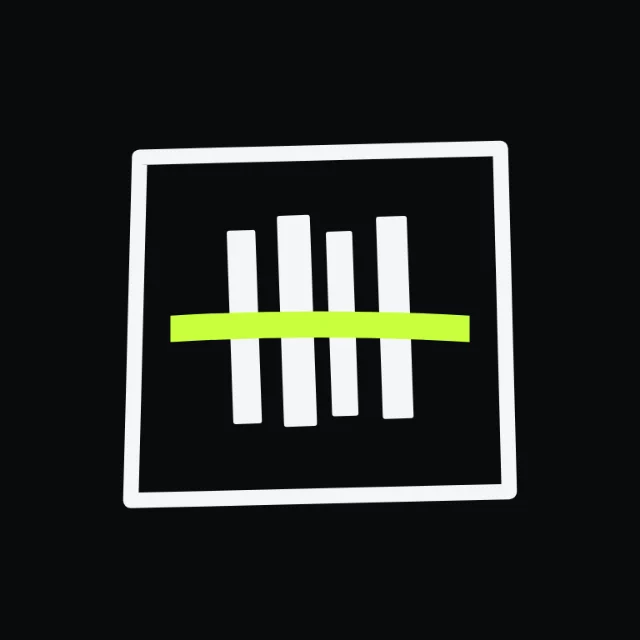
Level 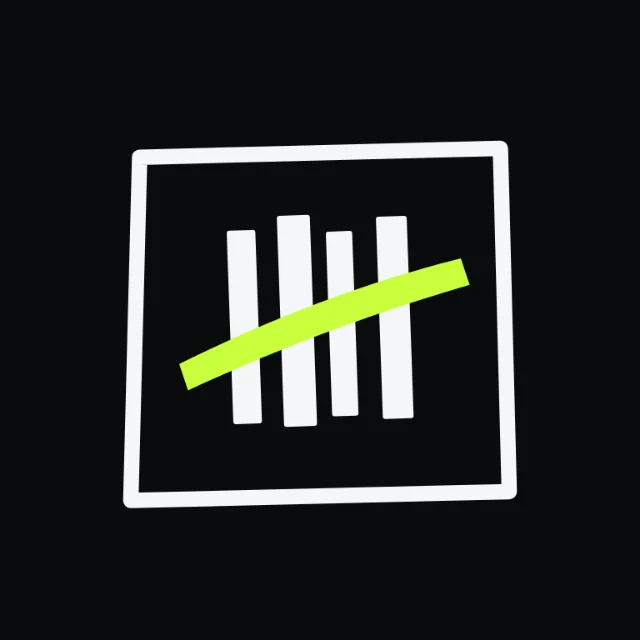
DiagonalKept
Round 06 Louder on a home screen
On a phone's home screen, next to other apps, the first icon was too quiet. Beside it, five versions turned it up: a smaller margin, heavier ink, a bigger lime stroke, a lime ground, and no box at all.
The smaller margin and the bigger lime stroke stayed, and so did the heavier ink, taken from the lime-ground version. The lime ground itself went.
First icon 
Less marginKept 
Heavier ink 
Bigger strokeKept 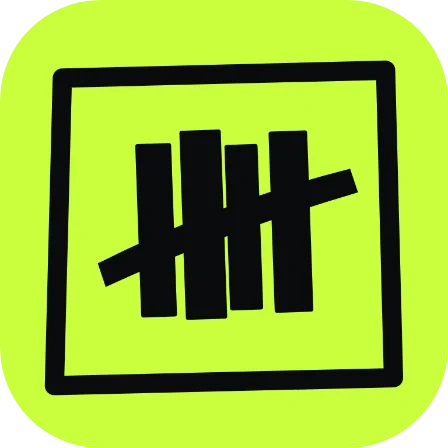
Lime ground 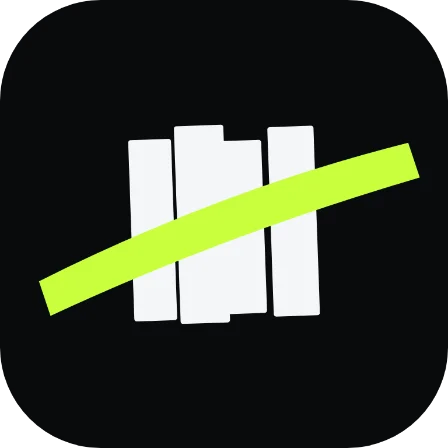
No box
Round 07 Out of the box
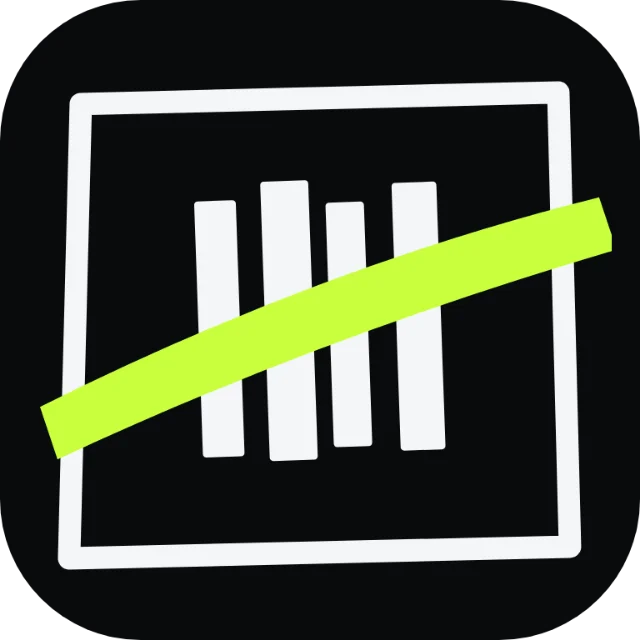
Last, the box went. The four strokes moved further apart so the space between them carries the rhythm, the ink got slightly heavier to hold at small sizes, and the lime stroke stayed the loudest thing in the icon.
With box 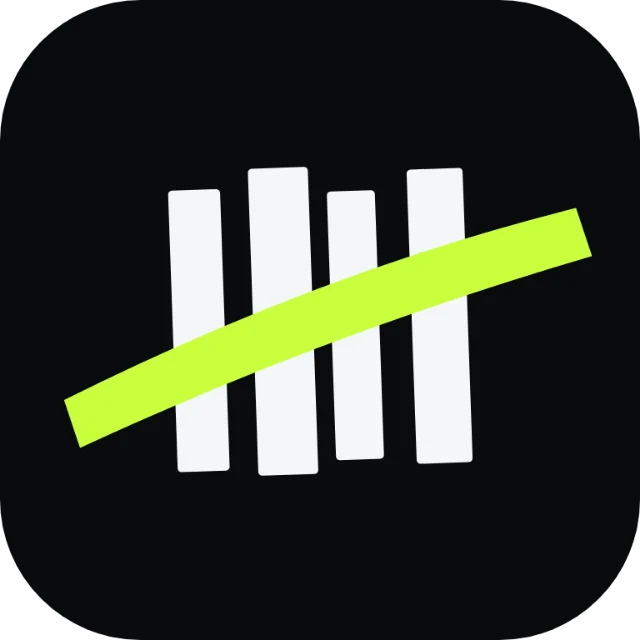
No boxKept
Round 08 The finished set
The app uses the icon on near-black, and the same set has light and lime versions.
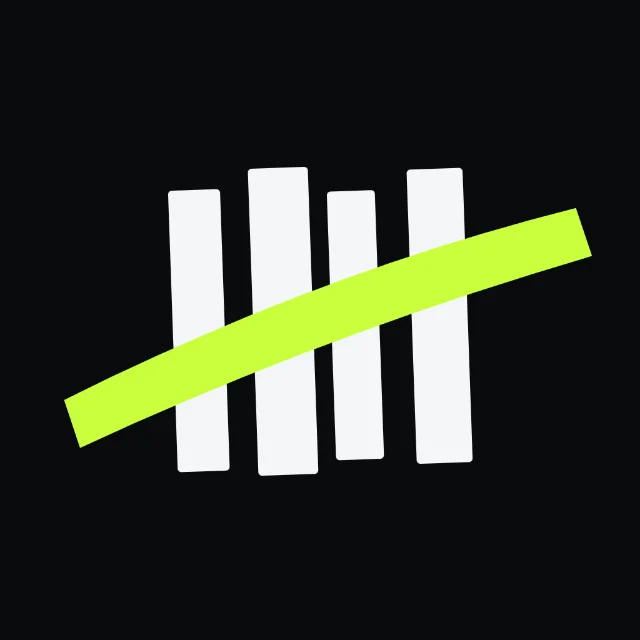
Dark, in the app 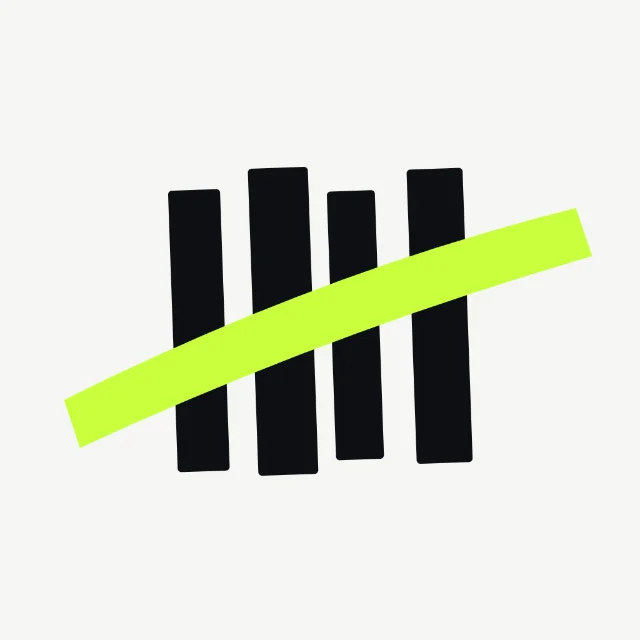
Light 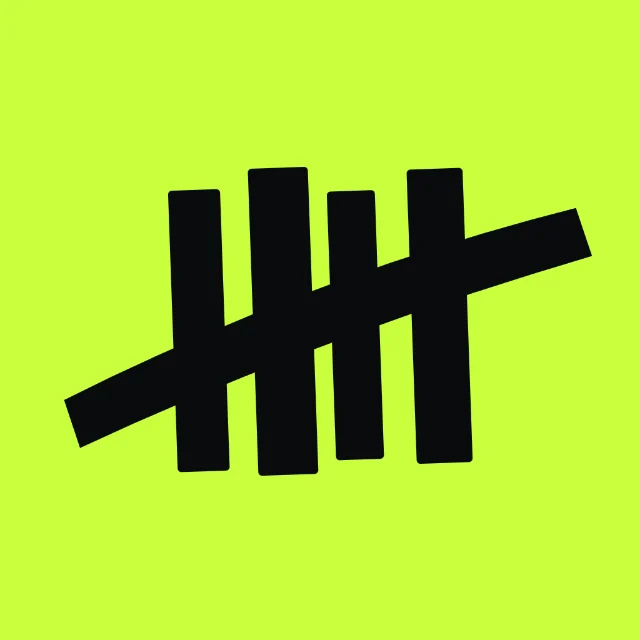
Lime
One kit, two themes
Every screen is put together from one in-house component library with shared color, type and spacing tokens, so the light and dark themes stay consistent.
Sources and further reading
10
Numbered in the order they appear. Entries marked Further reading are research and methods that match choices on this page; we read some of them afterwards.
Further reading
1Hall, K. D., Sacks, G., Chandramohan, D., Chow, C. C., Wang, Y. C., Gortmaker, S. L., & Swinburn, B. A. (2011). Quantification of the effect of energy imbalance on bodyweight. The Lancet, 378(9793), 826-837.
Shows that the body's energy needs shift as weight changes, which is why a calorie target set once drifts out of date.
Further reading
2Krebs, P., & Duncan, D. T. (2015). Health app use among US mobile phone owners: A national survey. JMIR mHealth and uHealth, 3(4), e101.
A national US survey: almost half of health app users had stopped using some apps, mainly because entering data was a burden, they lost interest, or costs appeared.
Further reading
3Williams, T. D., Tolusso, D. V., Fedewa, M. V., & Esco, M. R. (2017). Comparison of periodized and non-periodized resistance training on maximal strength: A meta-analysis. Sports Medicine, 47(10), 2083-2100.
A meta-analysis of 18 studies: strength training organized into planned phases built more maximal strength than training without phases.
Further reading
4American College of Sports Medicine (2009). Progression models in resistance training for healthy adults. Medicine and Science in Sports and Exercise, 41(3), 687-708.
The American College of Sports Medicine's guidance on progression, including raising the load by 2 to 10 percent once a lifter can beat the target reps.
What we worked from
5U.S. Department of Agriculture, Agricultural Research Service, Beltsville Human Nutrition Research Center (cited 2026). FoodData Central. fdc.nal.usda.gov.
The US government's food composition database that the app's search and barcode lookups draw on, and which USDA asks products to name as the source.
What we worked from
6Open Food Facts contributors (cited 2026). Open Food Facts. Open Food Facts association, Open Database License.
The open, crowd-built database of packaged foods behind the app's barcode lookups, whose Open Database License asks for attribution.
Further reading
7Simpson, C. C., & Mazzeo, S. E. (2017). Calorie counting and fitness tracking technology: Associations with eating disorder symptomatology. Eating Behaviors, 26, 89-92.
In a study of 493 college students, people who used calorie trackers showed more eating concern and dietary restraint, and the authors call the findings preliminary.
Further reading
8Turicchi, J., O'Driscoll, R., Horgan, G., Duarte, C., Palmeira, A. L., Larsen, S. C., Heitmann, B. L., & Stubbs, J. (2020). Weekly, seasonal and holiday body weight fluctuation patterns among individuals engaged in a European multi-centre behavioural weight loss maintenance intervention. PLoS ONE, 15(4), e0232152.
Home weigh-ins from over 1,400 people rose at weekends and fell on weekdays, a regular weekly swing that a seven-day trend averages out.
Further reading
9Pareja-Blanco, F., Rodríguez-Rosell, D., Sánchez-Medina, L., Sanchis-Moysi, J., Dorado, C., Mora-Custodio, R., Yáñez-García, J. M., Morales-Alamo, D., Pérez-Suárez, I., Calbet, J. A. L., & González-Badillo, J. J. (2017). Effects of velocity loss during resistance training on athletic performance, strength gains and muscle adaptations. Scandinavian Journal of Medicine & Science in Sports, 27(7), 724-735.
An eight-week trial: stopping each set once bar speed had dropped 20 percent built about the same squat strength as going to 40 percent, with 40 percent fewer reps.
Further reading
10Balsalobre-Fernández, C., Marchante, D., Muñoz-López, M., & Jiménez, S. L. (2018). Validity and reliability of a novel iPhone app for the measurement of barbell velocity and 1RM on the bench-press exercise. Journal of Sports Sciences, 36(1), 64-70.
Checked a phone app that reads bar speed from video against a lab-grade sensor: close agreement on the bench press, with a small, consistent overestimate.